
Vaughan Music Dock for macOS
Your music, without switching tabs.
Vaughan is a Spotify companion that slides out from the side of your Mac’s screen. Find a song, browse your library, and control playback without switching away from what you’re doing.
A music dock beside what you’re doing.
Keep your browser, document, or project in view while you choose what to play. Your Spotify library is right there at the side of your screen.
- Browse saved albums, liked songs, artists, and playlists.
- Keep favourites close with pins and custom shelves.
- Control Spotify playback, the queue, and connected devices.
Vaughan is independent software and is not affiliated with Spotify or Apple.
Find a favourite song.
Scroll through your liked songs and keep your favourites close.

Rediscover your artists.
Browse the artists in your library when you know who you want to hear.
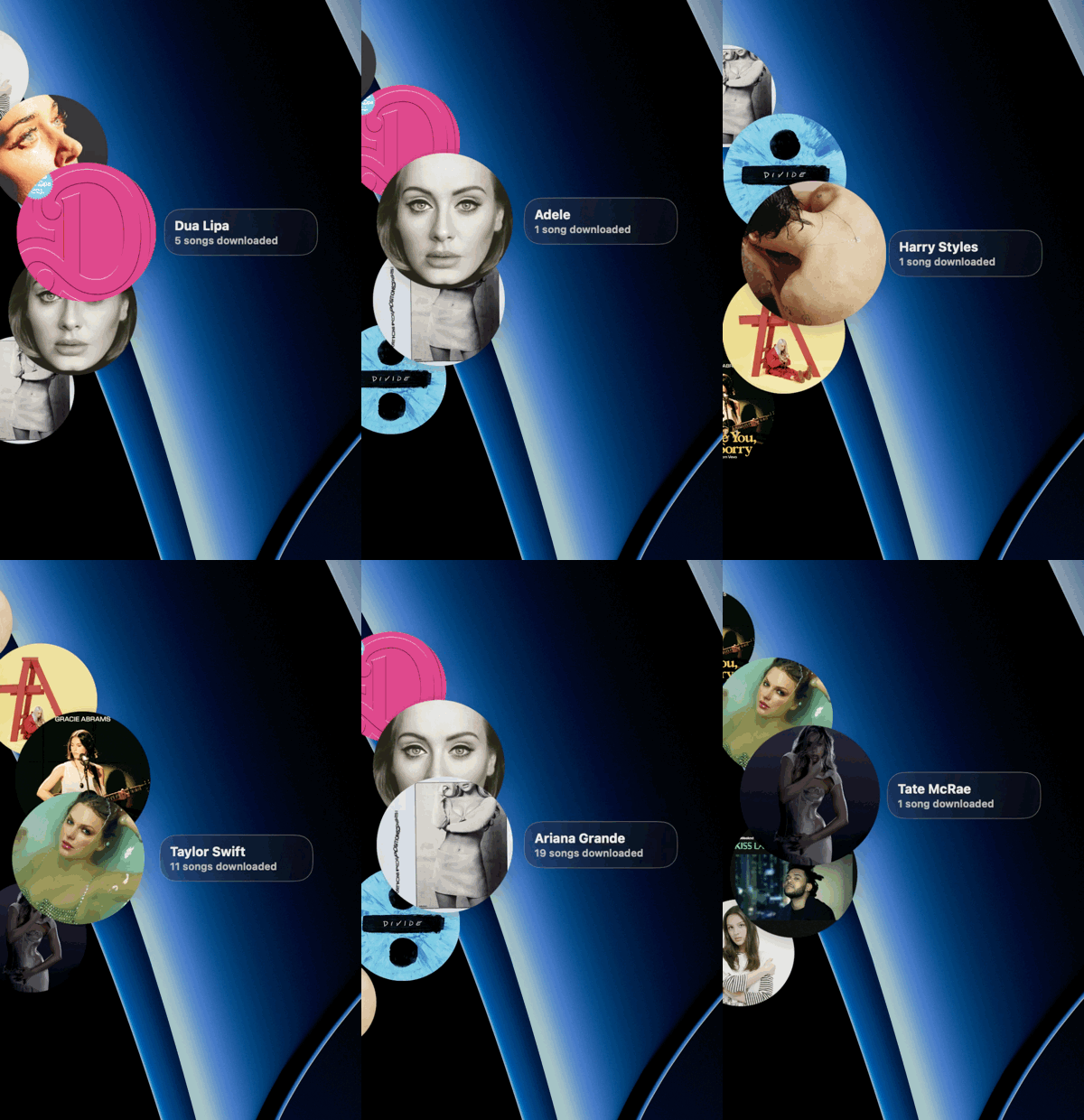
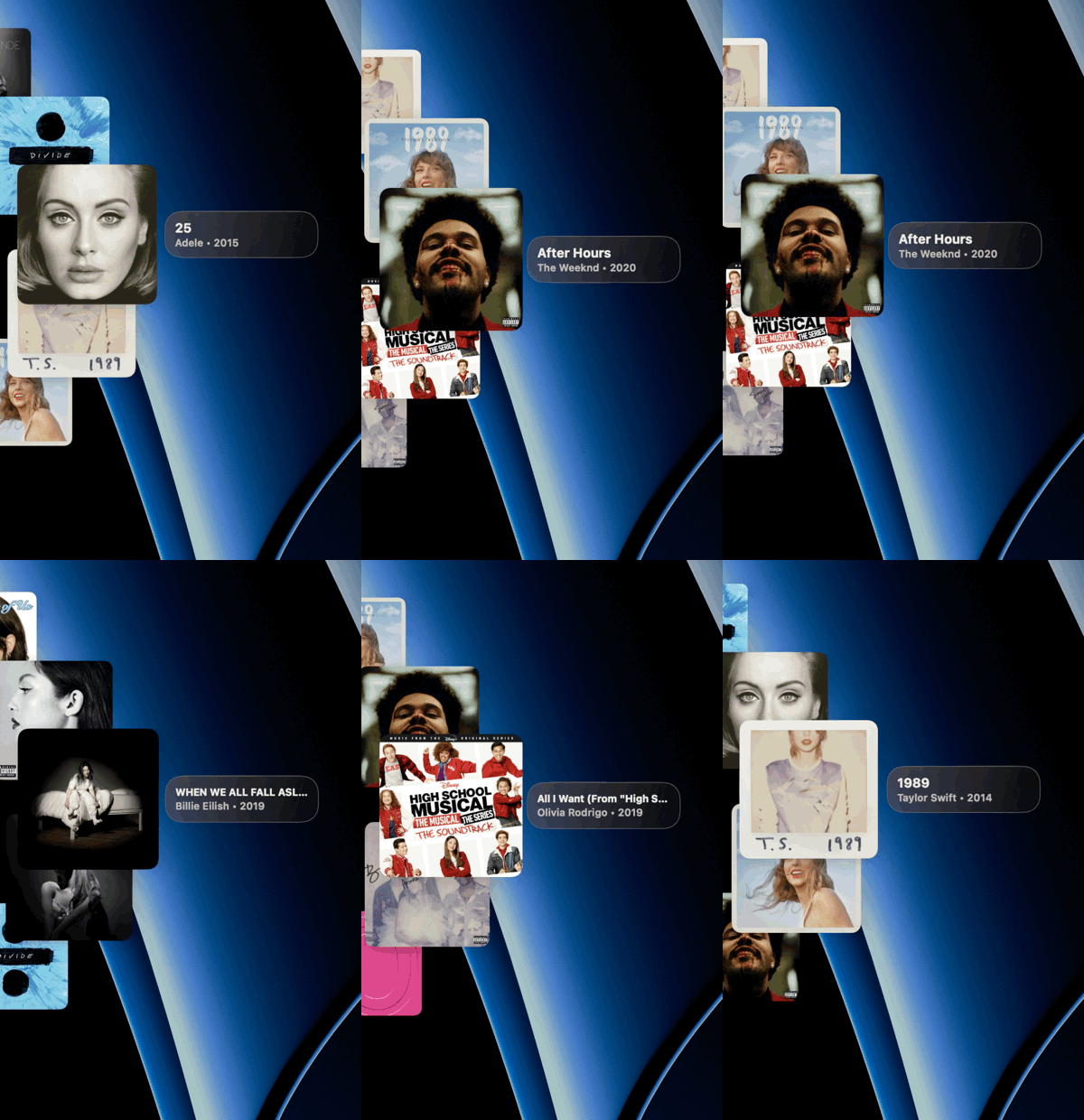
Make time for an album.
Explore your saved albums and choose your next listen.
Your data stays on your Mac
Vaughan has no account, server, analytics, advertising, or tracking. It connects directly to Spotify only after you approve access.
Support
How does Vaughan connect to Spotify?
Vaughan uses Spotify’s authorization flow and sends authorized requests directly to Spotify.
Where is my data stored?
App data stays on your Mac. Your Spotify refresh token is stored in the macOS Keychain.
How do I disconnect Spotify?
In Vaughan, go to Settings → Spotify → Disconnect Spotify.
How do I delete Vaughan data?
In Vaughan, go to Settings → Data → Reset Vaughan Data.
Need something else? Contact us at contact@mobarak.ca.